
How to Use the Tension Board
The Tension Board 2 is Tension Climbing’s state-of-the-art training board, and a huge reason to go climbing at our Jacksonville climbing gym. It is essentially an angle-adjustable spray wall with almost unlimited route potential, as you can create your own routes as well as enjoy routes provided by other users and Tension Climbing itself.
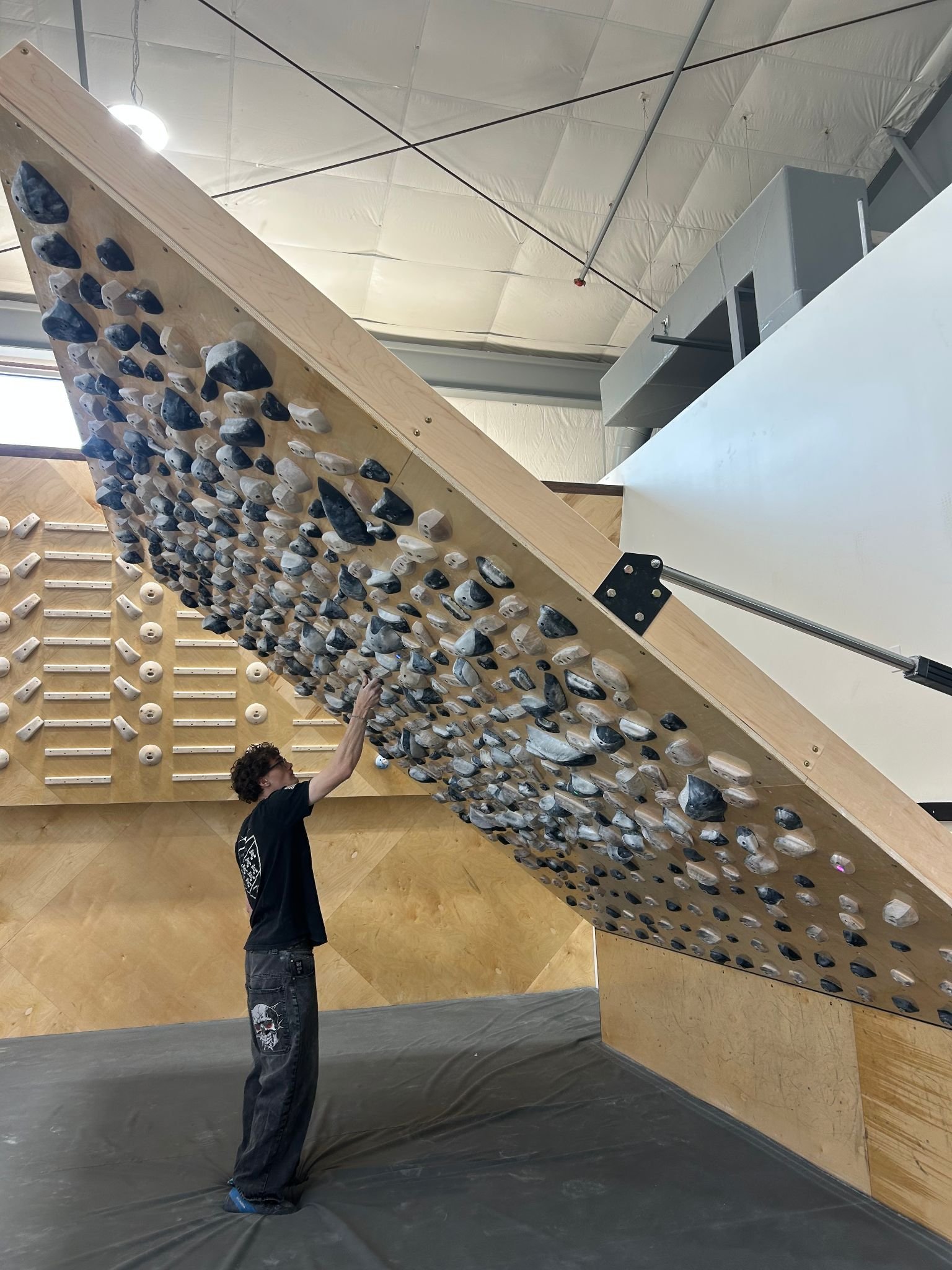
Training boards are effective for training lots of different movement types and working on more intense angles that are often common on boulders outdoors, but it can be a little tricky to figure out how to get the most out of them! If you’ve been having trouble operating the board or struggling just to climb on it, this article will outline a guide for how to operate it and tips on making it more approachable for you. Stay persistent, the boards can get you very strong very fast.
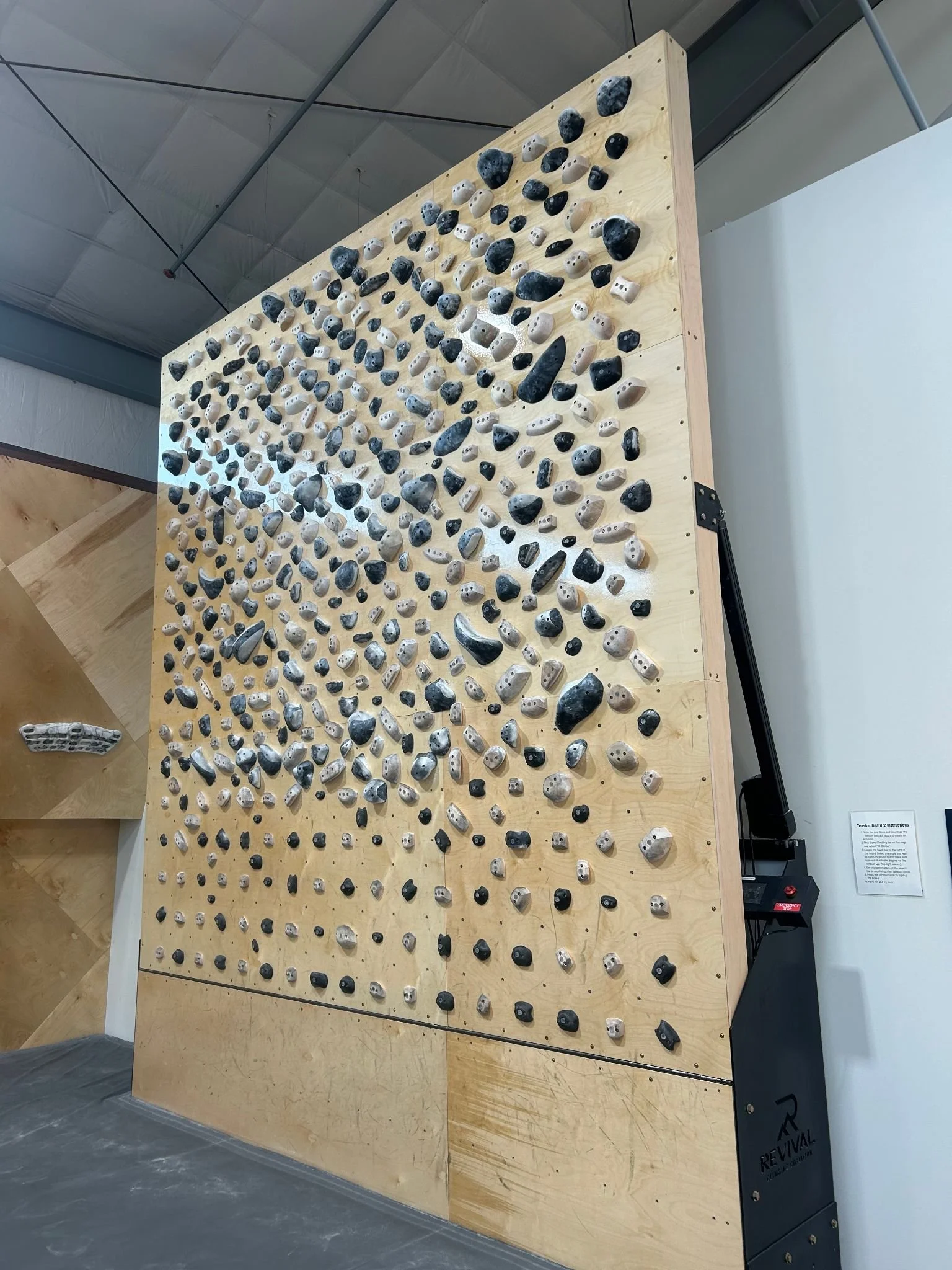
First, let’s start with the angle. This is going to be one of the highest barriers to entry on the training boards; there is only one slab angle (0), and the rest are overhung. In general, overhang is more difficult than slab, primarily because of the strength factor for overhang (more weight on the arms, you cannot put weight on your legs on overhang the same way you can when standing on them on slab).
If the board is at an angle you are not comfortable with or struggling with, you can always adjust the angle of the board on the touchscreen to the right of the Tension Board.
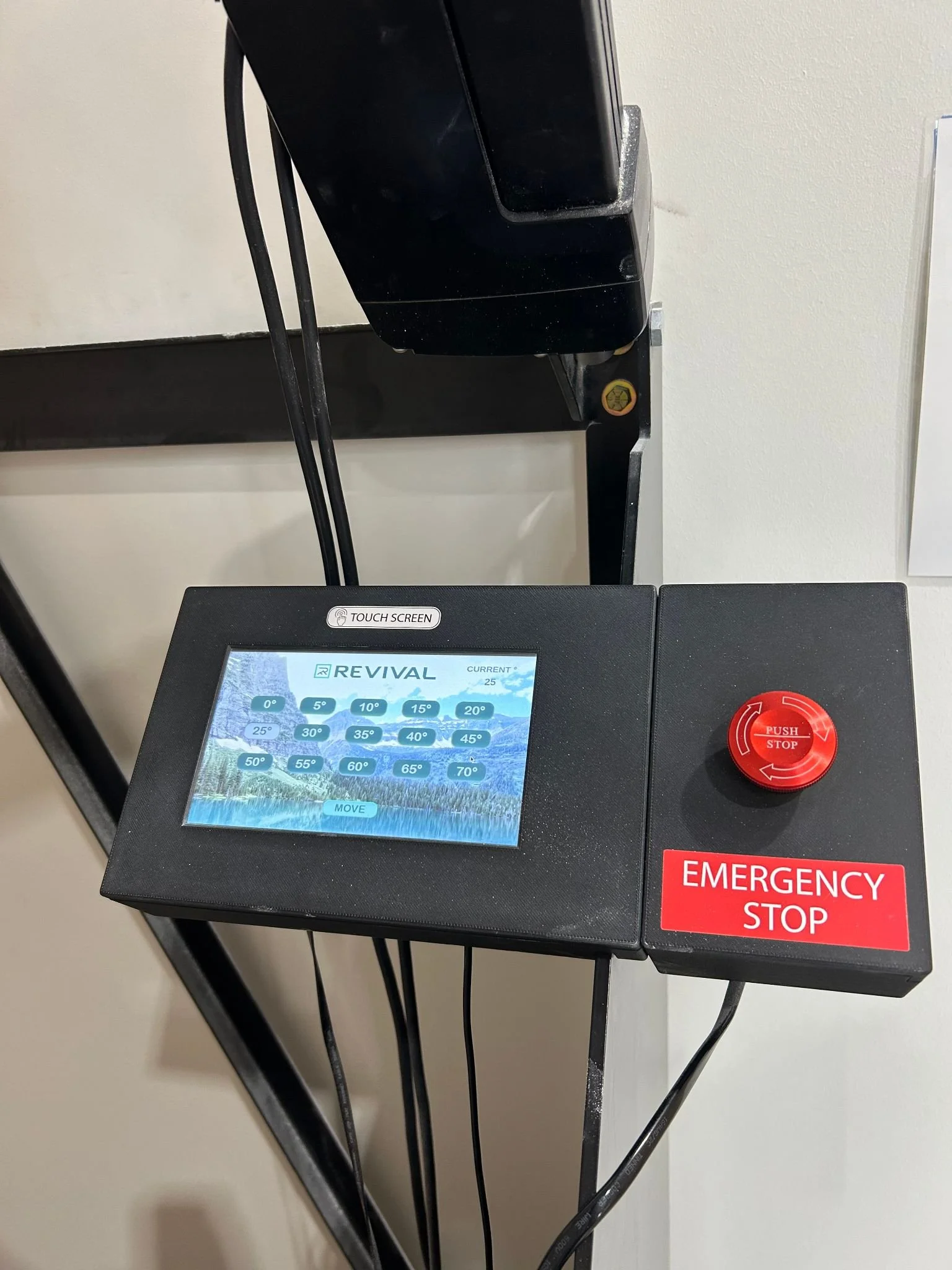
Tap the screen to wake it up, then select your desired angle, and then select move at the bottom of the screen. Please make sure you are out of the way when pressing move.
Now let’s talk about the routes and how to display them. As I was saying earlier, the Tension Board at its core is an angle-adjustable spray wall. If you aren’t familiar with spray walls, they are essentially a large collection of holds all placed extremely close to each other, allowing for diverse routes and movement possibilities.
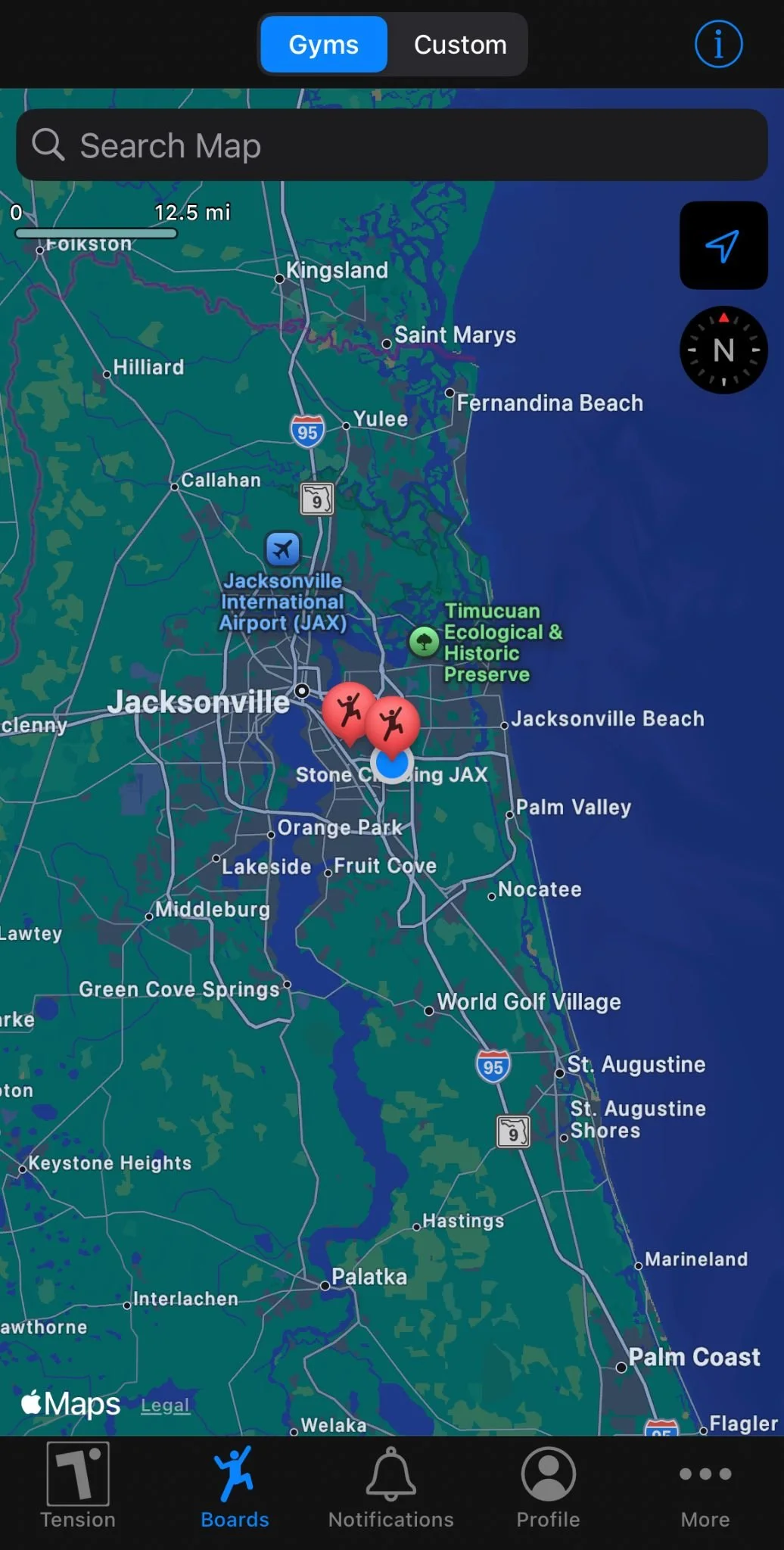
To get your route displayed on the board, you’ll need to download the Tension Climbing appon your phone. After making a profile, allow it to have access to your location (at least while using the app) and then select the boards tab at the bottom of the app to find the closest board to you. Select the Stone Climbing Jax pin on the map, and then select all climbs on the next screen.
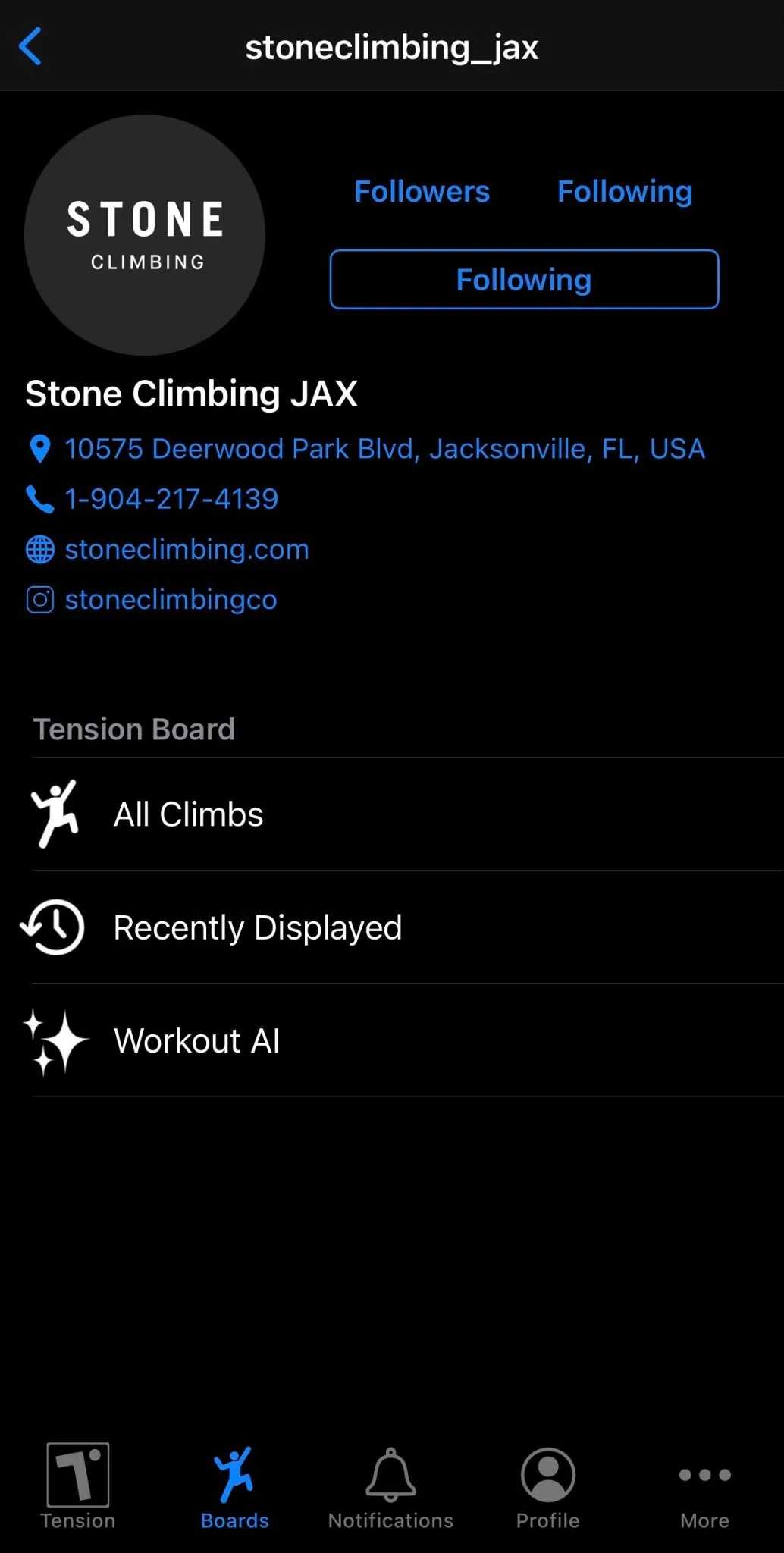
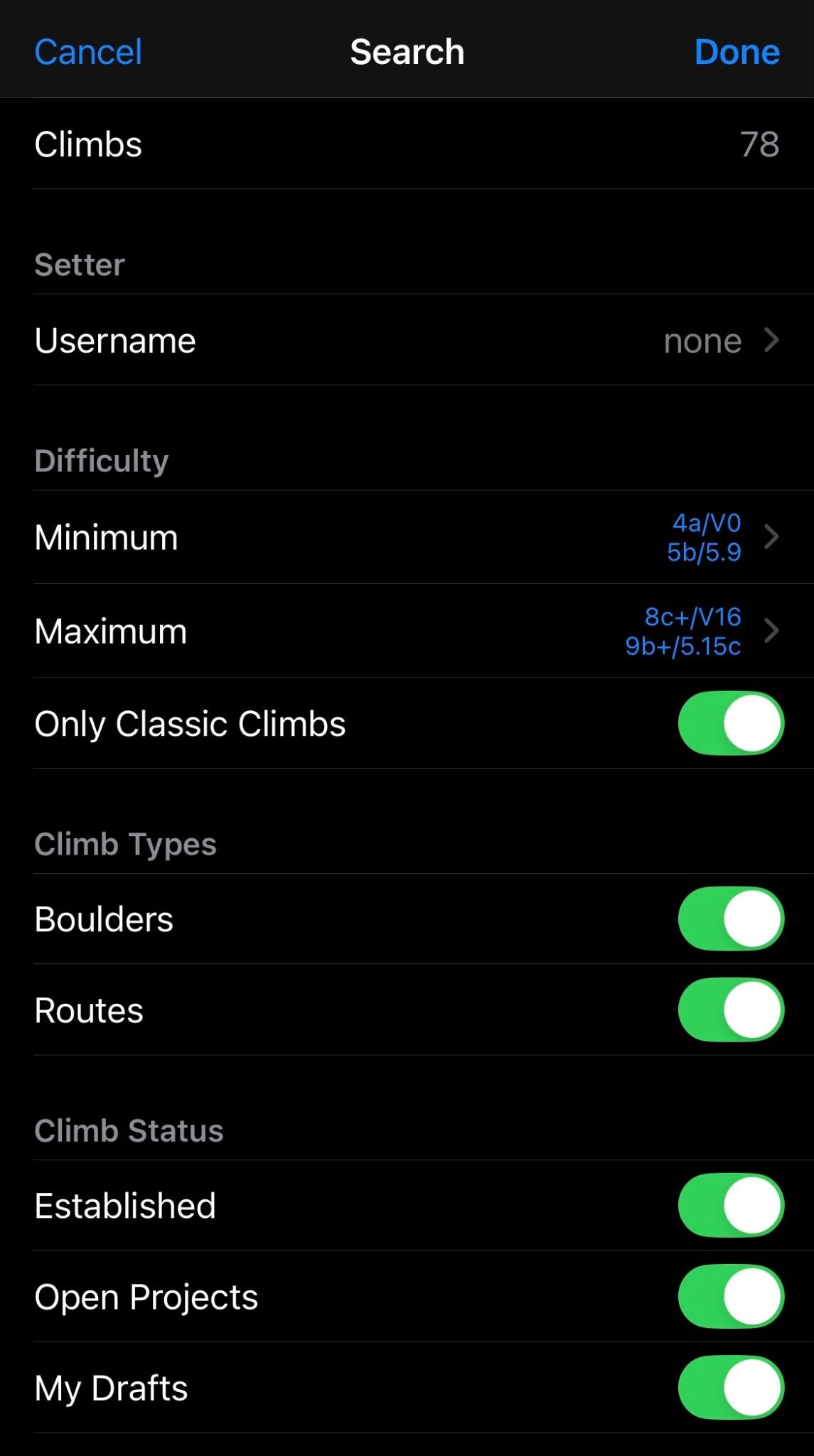
There are a lot of climbs and it can be hard to find good ones by just scrolling, so make use of the filter feature at the right side of the search bar. You can set a minimum and maximum grade, filter classics only, routes or boulders, established routes and open projects, you can even filter by the shape of the route (tall versus side climbs). Additionally, you can create your own routes as well! If you have an idea or vision you’re just itching to put on the board, go into the All Climbs section of the Stone Jax board, at the top right next to the search bar is a plus sign. Select it and it will display a blank board with no holds displayed.
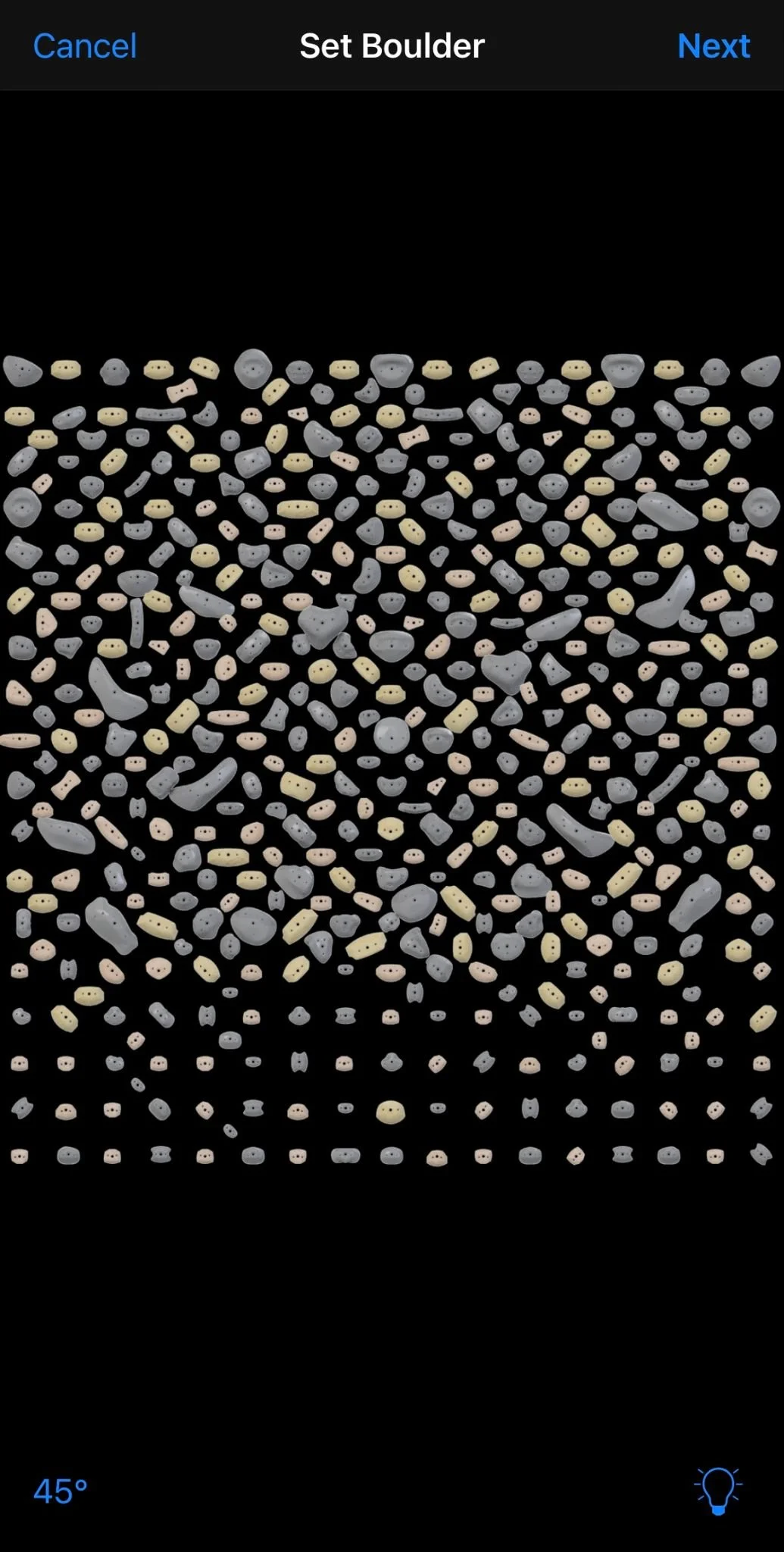
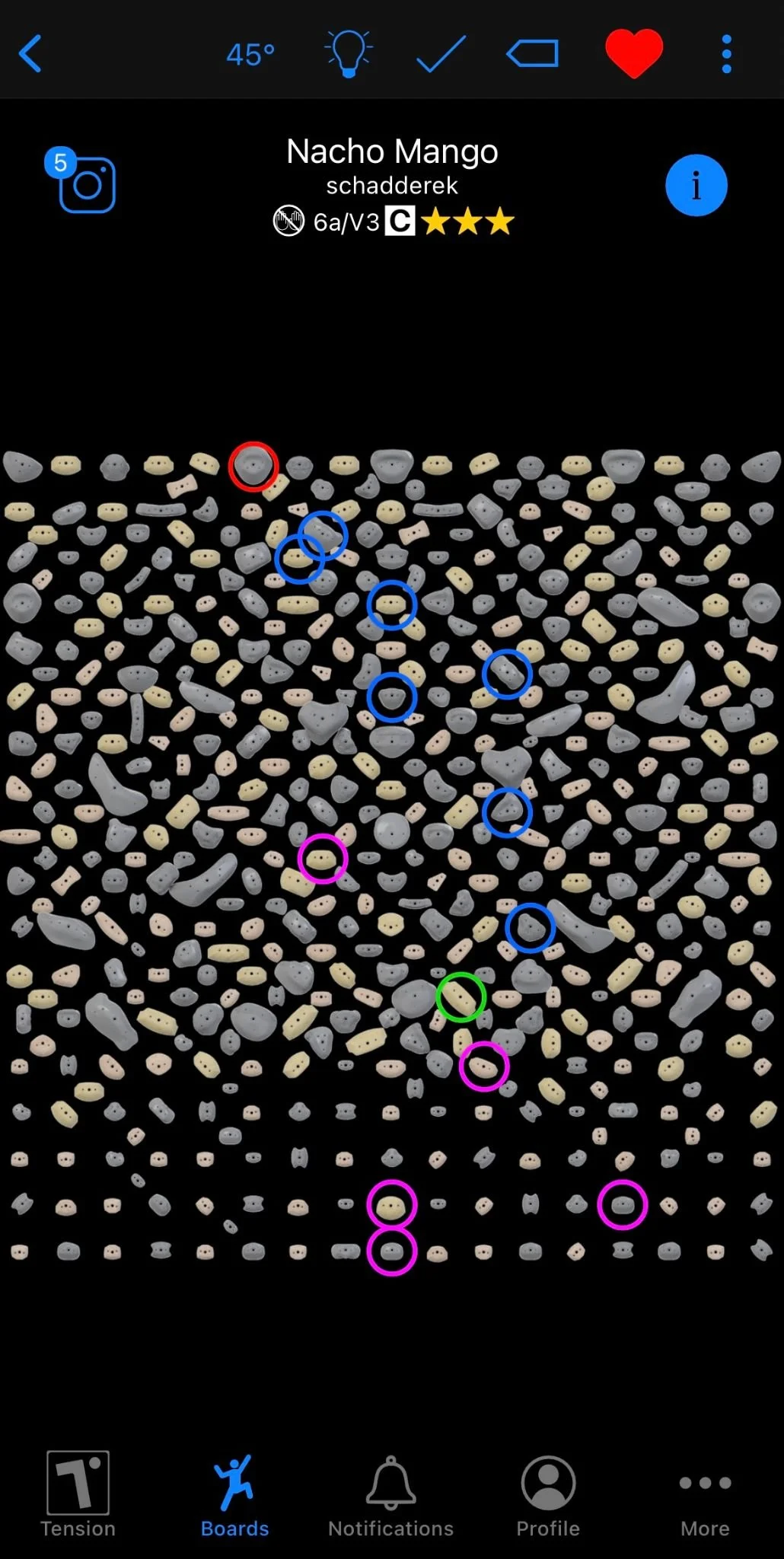
From here you can select which holds you want to use, and the app will automatically assign a hold type to the holds you select (start, middle/hand and foot holds, foot only, and finish) that make the most sense for that holds position on the board (start holds low, middle holds in the middle, foot only lower than start, finish holds on the top of the board or the top most hold on the climb). When you’re finished you can display your climb to the board using the lightbulb icon in the bottom right corner of the screen, and you can even publish your climbs for community use, with a chance to get your own climb made into a classic!
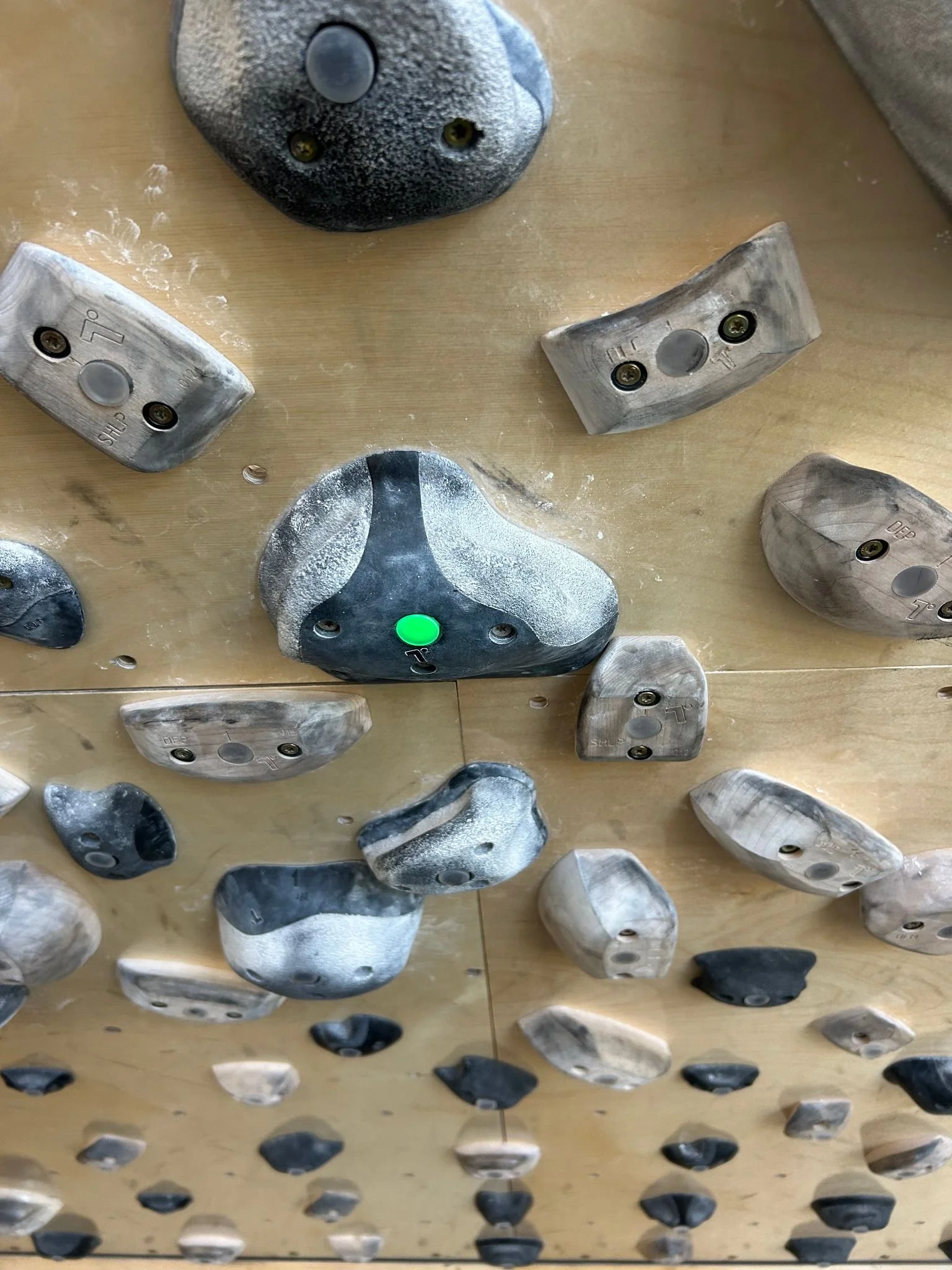
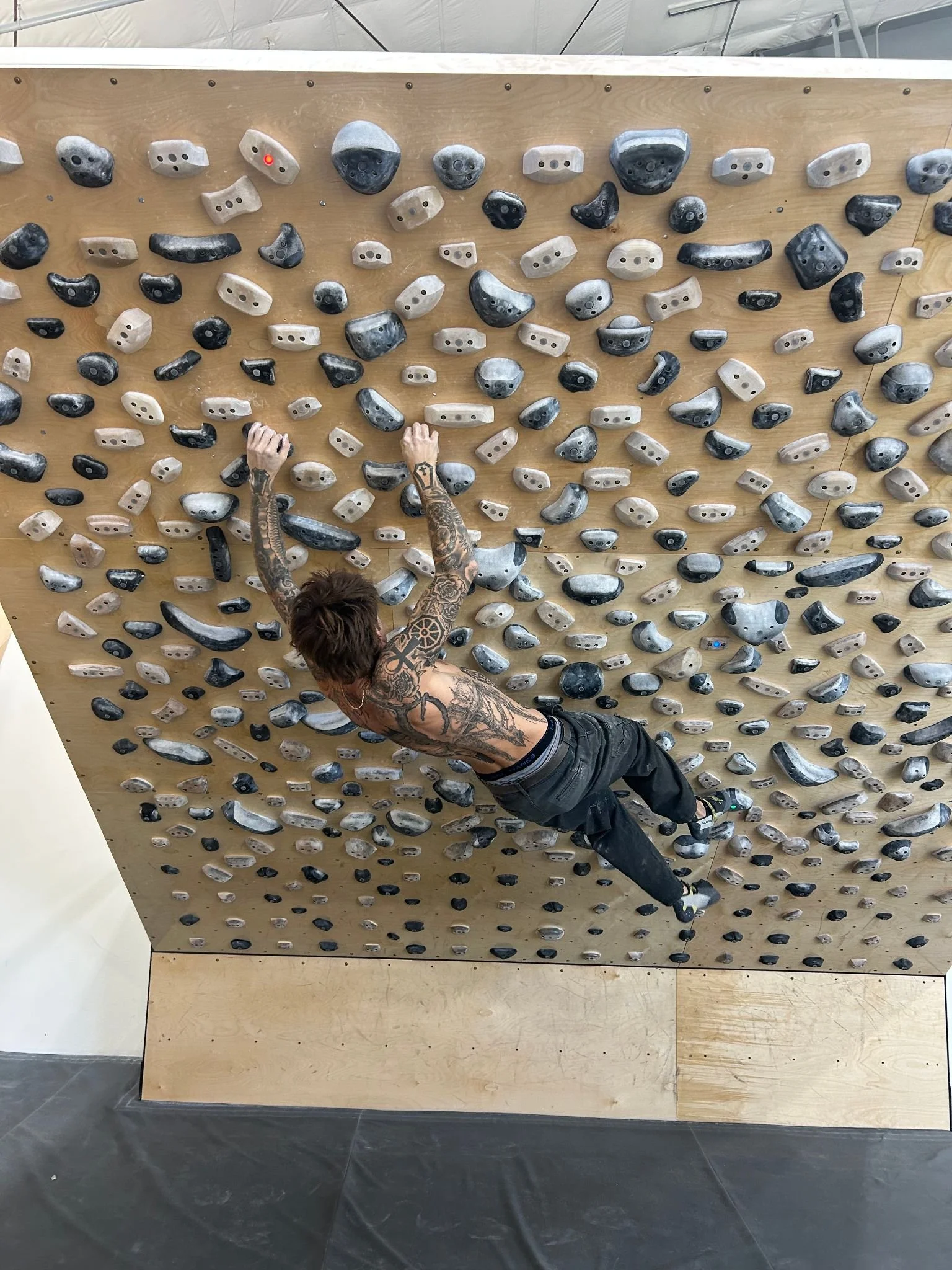
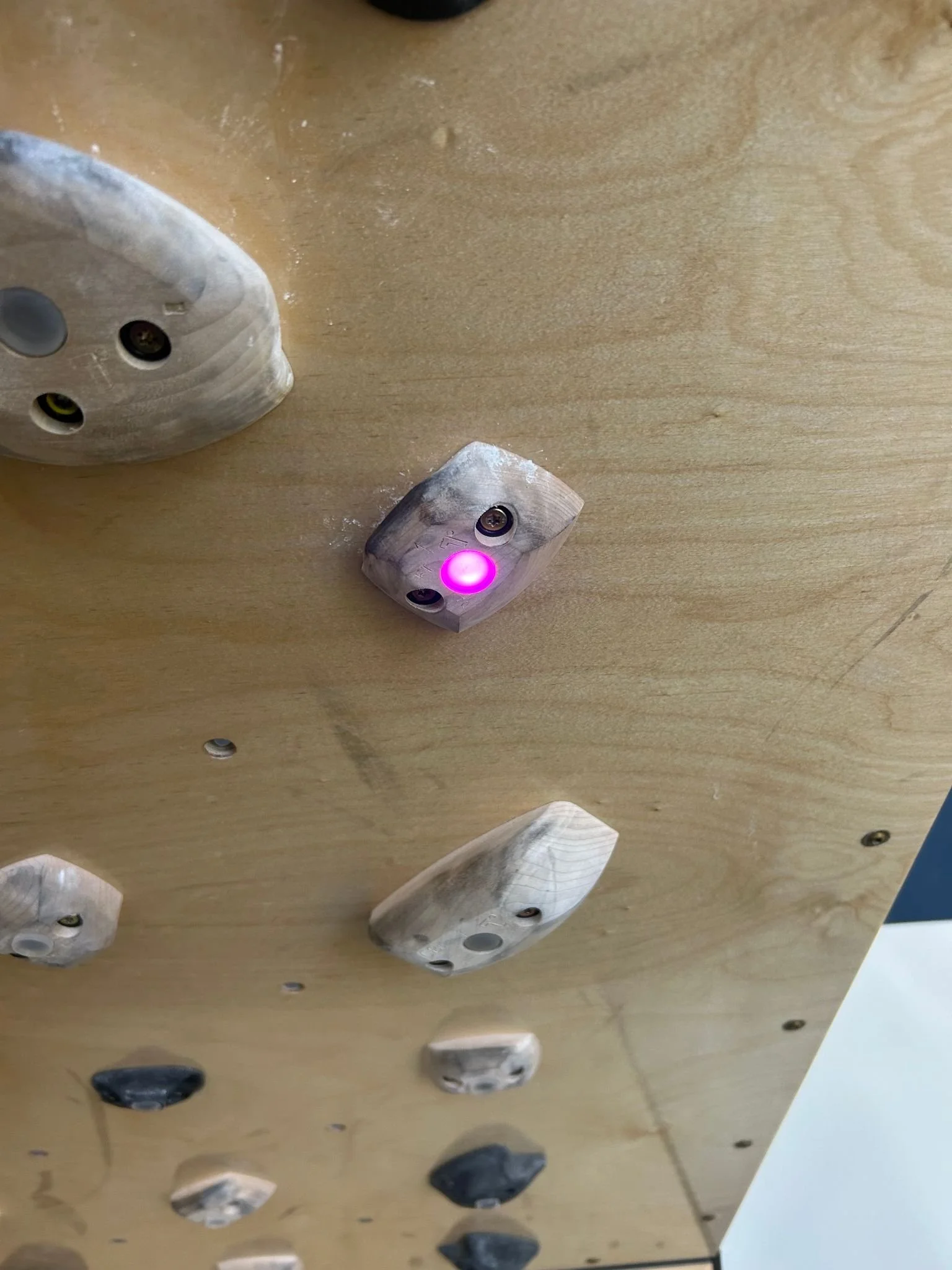
Finally, let’s talk about the holds on the board. All of the holds are either black or natural, so you will need to read the LED’s in each hold to figure out which holds the route wants you to use. Each start hold is marked with a green light, holds for both hands and feet light up blue, foot-only holds will display pink/purple, and the finish holds will all light up red.
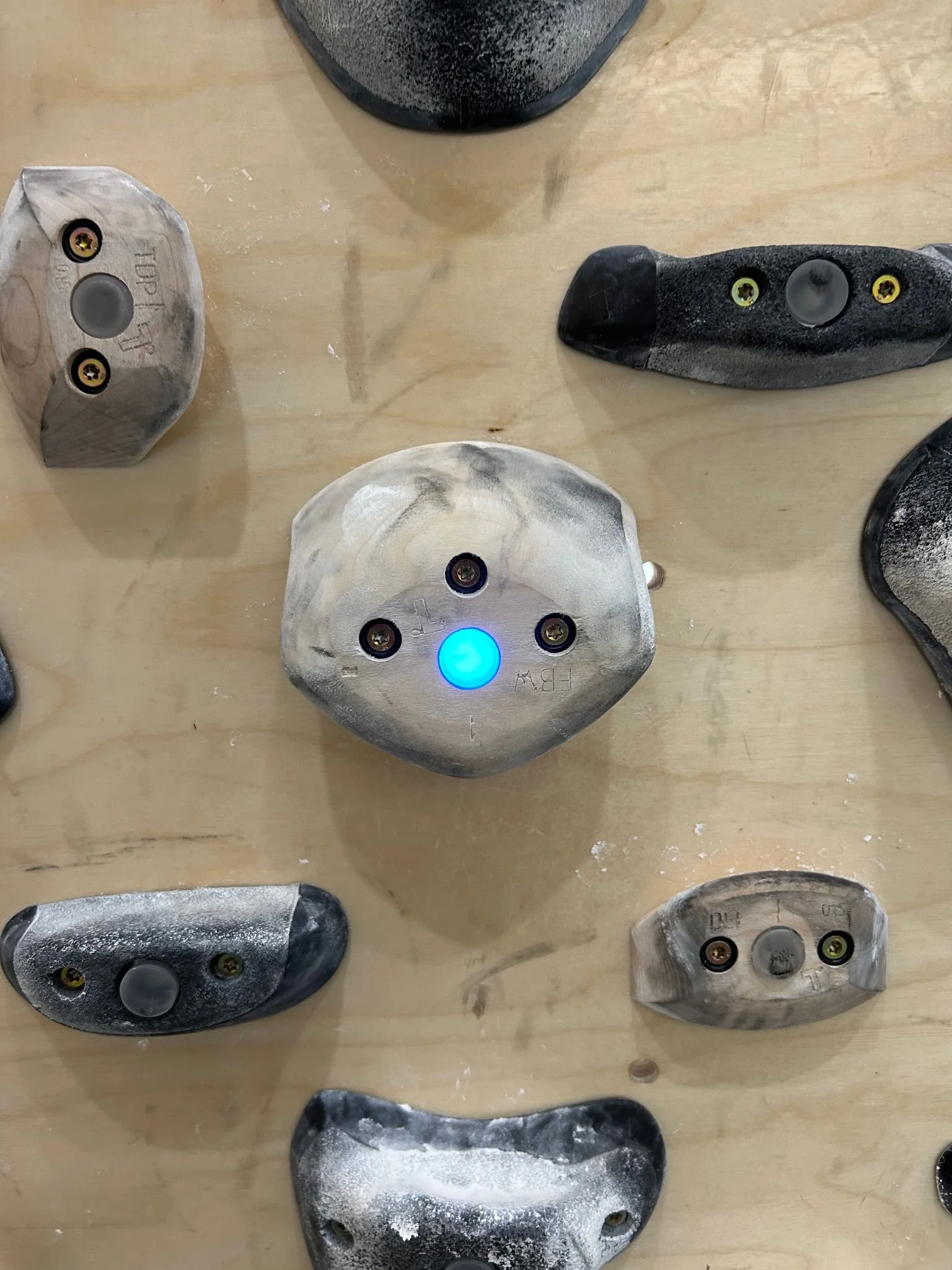
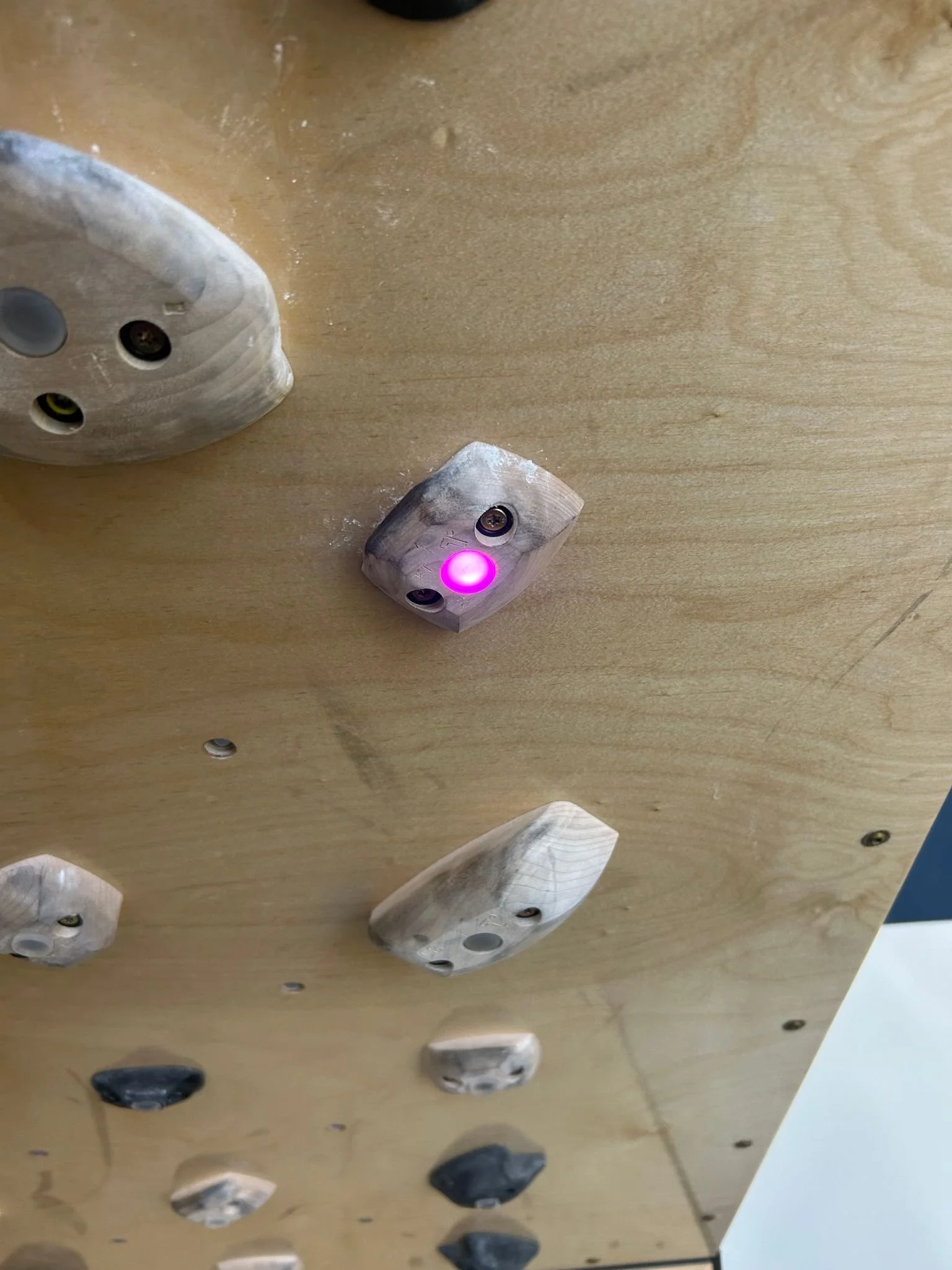
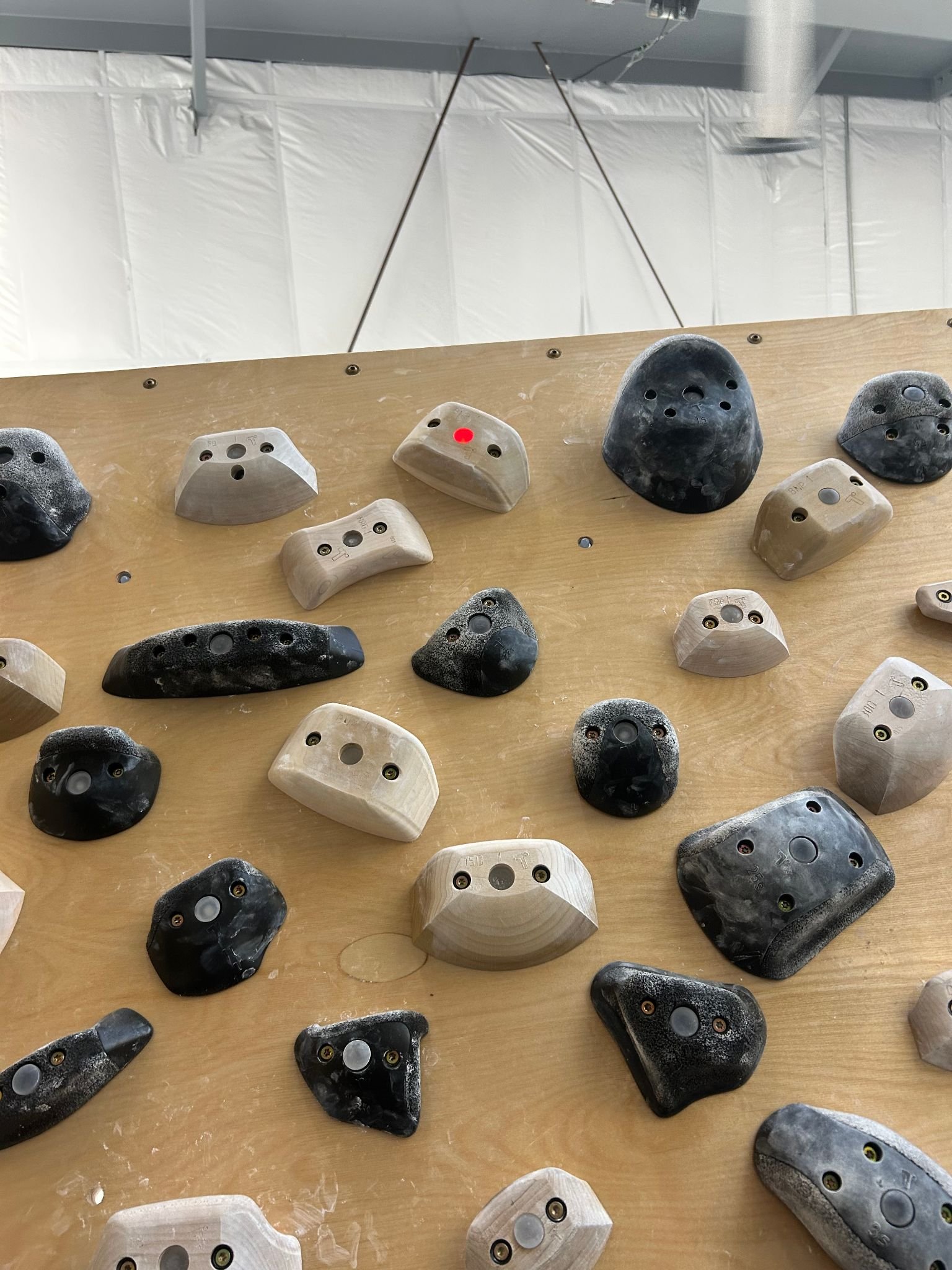
Tension climbing has designed the board with a wide variety of hold styles. There are jugs, pinches, crimps, slopers, pockets, and underclings. The less approachable holds will stress your fingers, so warming up is of utmost importance. Be sure to listen to them, and do not overuse them or push them too hard; the last thing we want is to injure our fingers and not be able to climb for an extended period of time!
Finally, we will go over is the Tension Climbing app’s logbook feature. With the logbook, you can save your favorite climbs with the favorite feature (heart at the top right of the climb display), and keep track of the climbs you have finished at each angle. Just click the check mark next to the heart button. There isn’t a log or saved list of your favorite climbs, but they will begin to show up when you search for climbs with a heart at the top left corner of the climb. It will give you the option to log the ascent, quick log the ascent, log your attempts, or quick log an attempt.
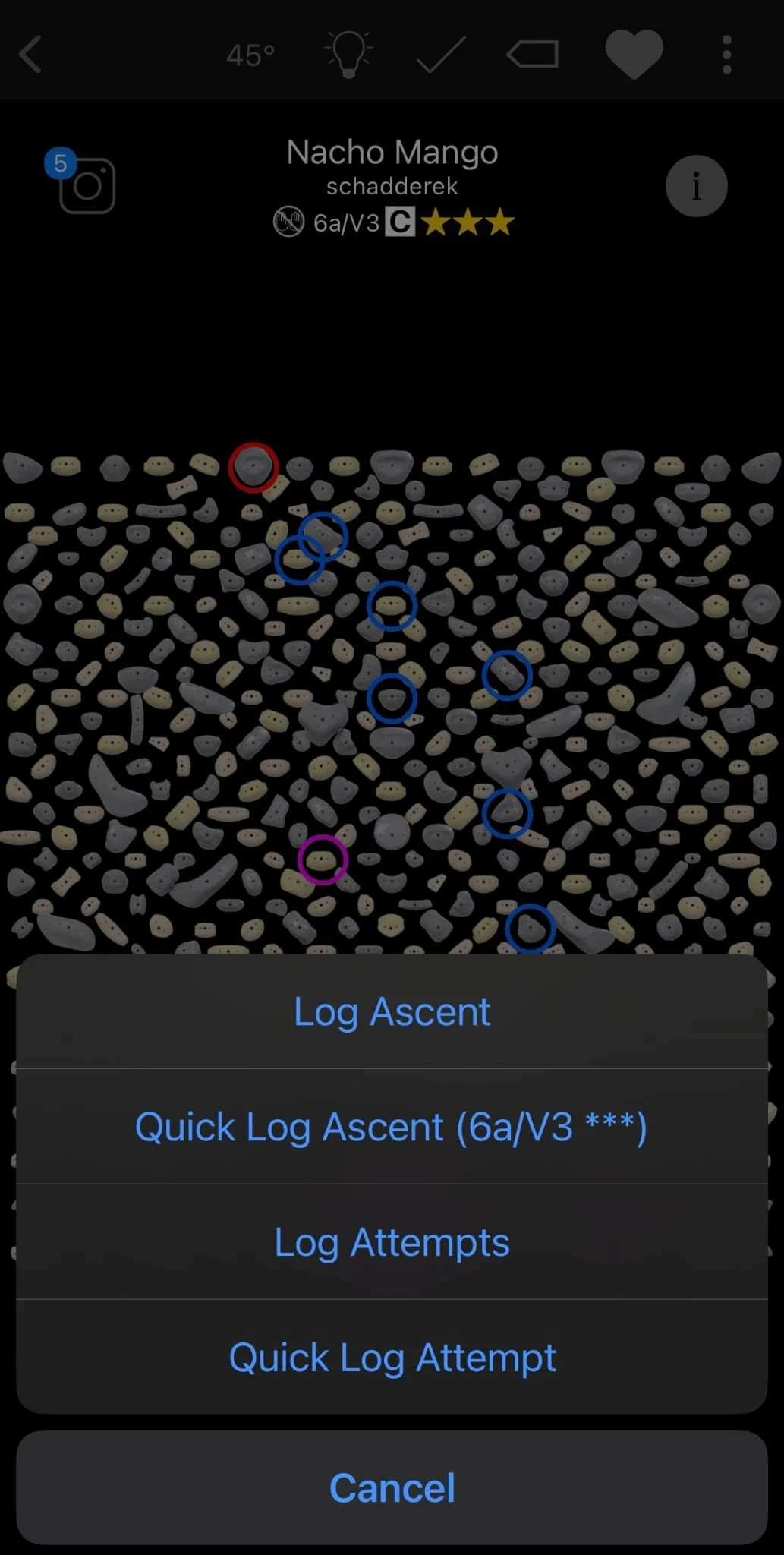
Quick logging will auto generate the log, whereas logging normally will allow you to leave notes, rate the difficulty for you personally, and rate the quality of the climb out of 3 stars. Opting for a full log is more beneficial to the community than quick logging, as this system helps Tension Climbing identify new climbs to make into classics.
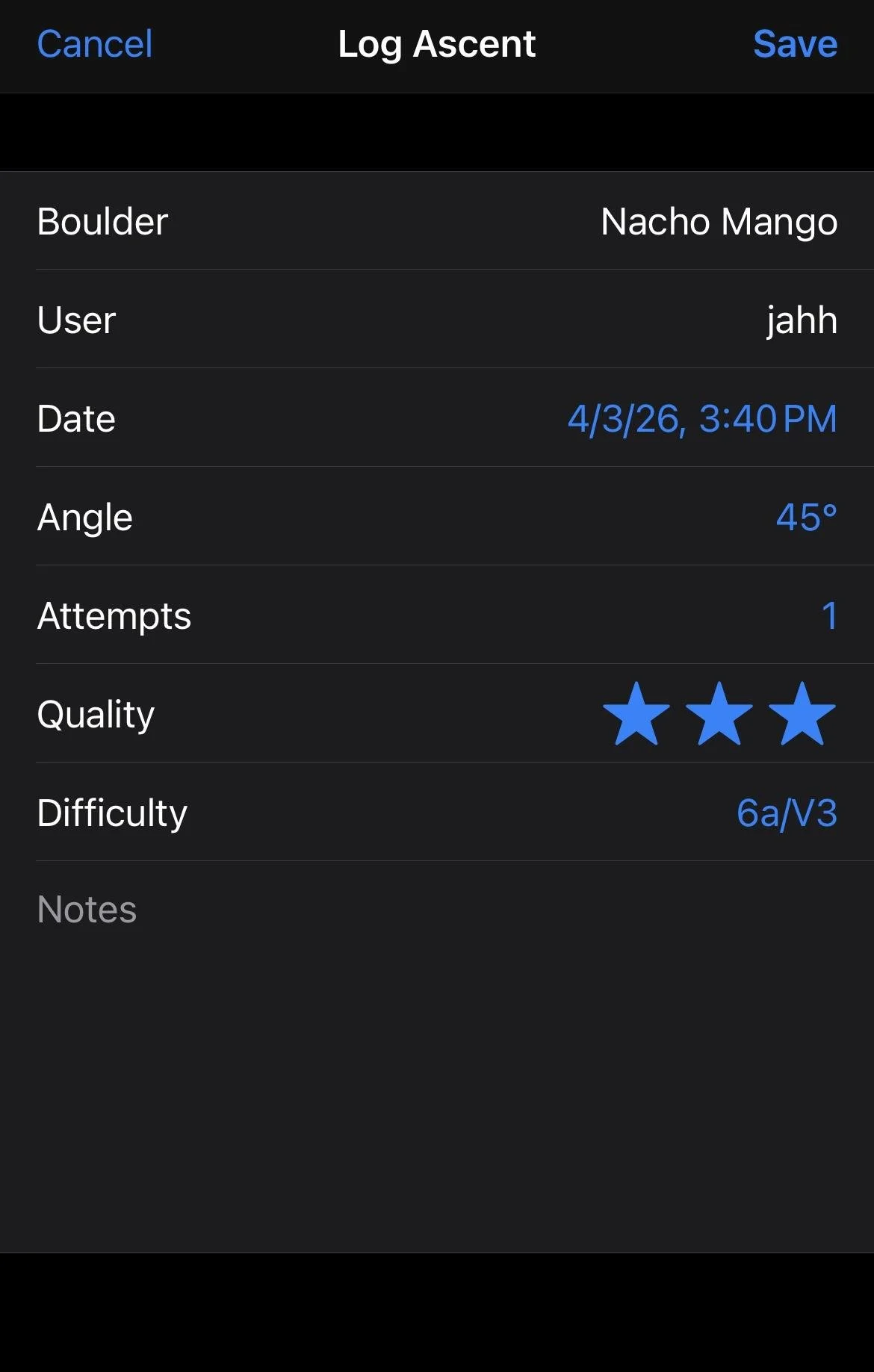
Observant readers will notice that I have used the term “classics” multiple times but have yet to explain what that means, so I will do so here. As you get the hang of climbing on the Tension Board, you may come across climbs that seem to flow better than others. Often, these climbs will become classics, or climbs that are vetted by the community and Tension Climbing itself. This feature is to cut down on how overwhelming searching for quality climbs can be, and also as a way to offer a linear progression of difficulty for climbs. Training board climbs are notorious, especially at the lower grades, for being less approachable than gym sets. If you are experiencing this feeling, I would highly recommend utilizing the classics feature. All of the climbs are going to be standard difficulty for the grade they are set at and will put you on the highest quality of climbs at each angle and grade (according to the community and Tension Climbing).
That’s everything I’ve got for ya! If you need any other tips or have any questions, feel free to come to the front desk and ask! Hope to see you guys climbing in Jacksonville and using the Tension Board to its fullest potential!
Joshua Harden
Stone Climbing Jacksonville Front Desk and Intro to Bouldering Instructor